!!Con
!!Con 2014 transcripts
This directory contains live transcriptions of the talks at !!Con
- Our real-time captioner was the amazing Mirabai Knight.
Transcription syncing
2014 !!Con’s talks are all up on YouTube, which is great. But all of us, together, can collaborate to take these talks to the next level by syncing up these great transcripts with those great videos!
I know what you might be thinking: Doesn’t YouTube offer auto-captioning? The answer is YES, it does. And it’s pretty great for some things, but not so great for live talks in terms of reliability.
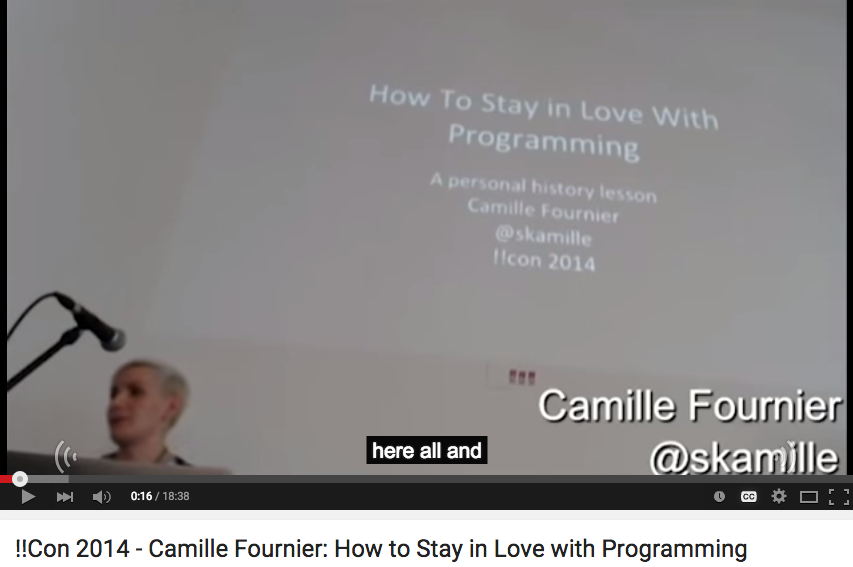
Introducing Amara. I’ve read about Amara but had never used it before today, and it is RAD. It makes subtitling SO easy, utilizing hotkeys and hitting all of the pain points that come with transcription (which I’ve done a lot of — not super easy).
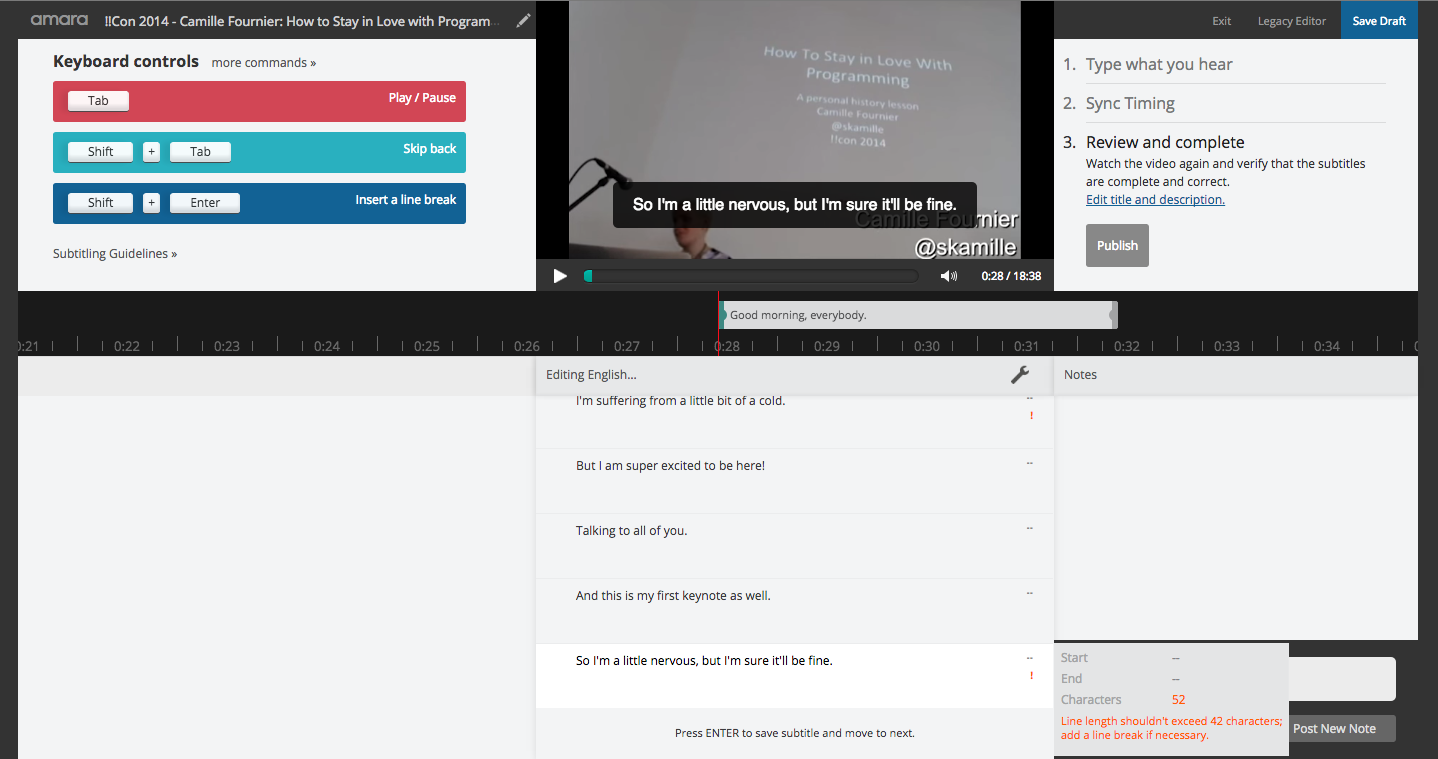
So here is how to link the !!Con transcript to the shared video.
I’m sure there is a better way to do this, but I prepped the available transcription text file in SublimeText by adding a line break in between each existing line by holding down Control-Shift-DownArrow until it got the bottom, and then I pressed enter. You can do whatever works for you, but the text won’t import correctly as-is so this minor data-wrangling is necessary.
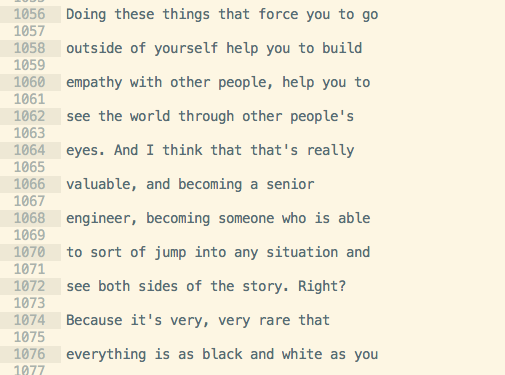
This way, when I went to upload the subtitles, they were already broken down into bite-size pieces. Some cleanup might be necessary after this point, like getting rid of blank subtitles.

You may be tempted to move ahead and tell Amara are finished so you can check to see if your work is working right. Just know that Amara doesn’t like it when you do this. It will assume you are done ingesting subtitles and will think you are ready for the timing zone. I spent a while fussing around in this area. The subtitles will save, though, so you can leave and come back as long as you save a draft.
Next is the fun part — Watching the video and getting the subtitles in sync. First, it’s fun because you get to watch the talk! Second, it’s fun because you press the “down” button to move to a new subtitle and you get in a rhythm that is both videogame-esque and meditation-esque. I like it. If you lose your groove, you can tab to pause the video or you can go back and use the slider to adjust the timing on subtitles on an individual basis.
After that, you can save/publish and you are done. The !!Con organizers are able to take it from there because the !!Con YouTube account is already ready to receive the Amara subtitles, which get synced on a regular basis. That’s it!
This is a GREAT way to feel super-productive even if you are feeling too under-the-weather to do other work.
Hmmmm… But wait – I did the video you see in examples above. But how do you know if the video you are gonna transcribe has already been done or not? What a great question. First, you can check the video to see if Amara-created subtitles are already rendering. But there might be a subtitle in progress that you don’t know about! You can comment on this Google Spreadsheet as a way to “claim” a talk and then everyone will know what is going on!